 Gig Set GO
Setlists that run the show — built, timed and ready for the stage
Setlist Manager turns your Song Library into running orders for every gig and rehearsal, and sends them straight to Stage Connect.
Your setlists stay private to your act — never shown on public pages.
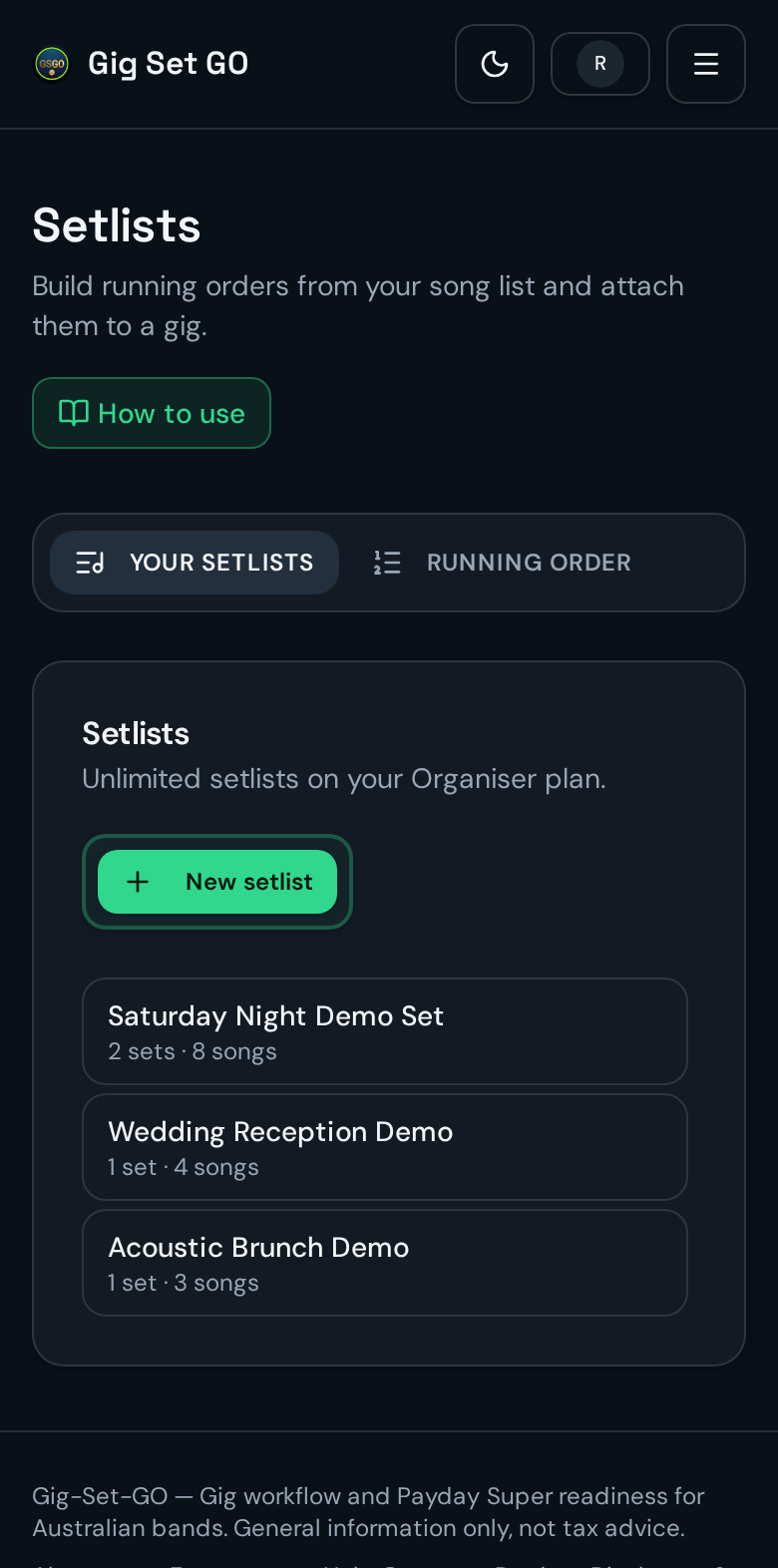
Every setlist in one place
See each set at a glance — how many sets and songs it holds.
Real app screens shown with example songs.
1. What Setlist Manager does
2. Where your setlists work
Get started in 3 easy steps
- 1Create your free accountSign up in under a minute — no card required.
- 2Add your songsFill your Song Library with the songs your act plays.
- 3Build your first setPick songs, order them, and link the set to your next gig.
Common questions
Is Setlist Manager free?
Yes. Setlists are included with every Gig Set GO account, including the free plan.
Who can see my setlists?
Only your act. Setlists are never shown on your public profile or gig pages. The only way someone outside your act sees one is through a share link you deliberately send.
Do I have to re-enter songs?
No. Setlists are built from your Song Library, so keys, tempo, lyrics, chords and stems come along automatically.
Does it work with Stage Connect?
Yes. Start a Stage Connect session from a setlist and every band member's screen follows the running order on stage.
Can I use it for a solo act or a full band?
Absolutely. One person can run every set, or the whole line-up can work from the same setlists.